One Calculated Column Cost 1.4MB on a 10.9M-Row Table. The Measure Cost Nothing.
Power BI, DAX, Performance
On sample data, the calculated-column-versus-measure debate is invisible — a few KB nobody notices. So I ran it on something real: the NYC Yellow Taxi trip dataset, 10.9 million rows.
The quick option
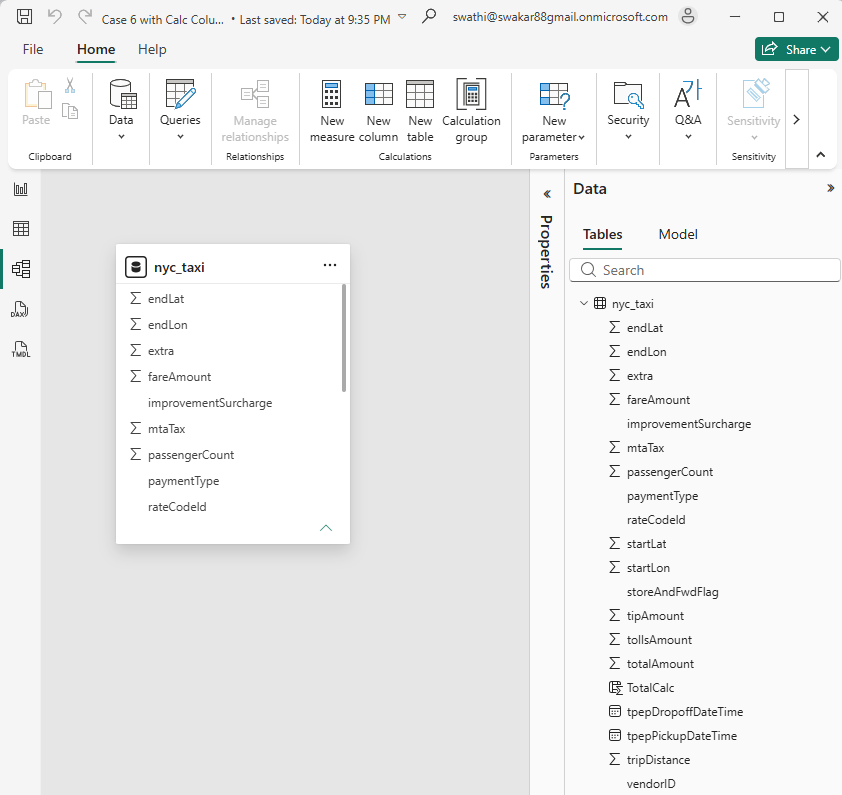
I needed a combined total of three columns — fare, tip, and tolls. The fast way is a calculated column:
TotalCalc =
nyc_taxi[fareAmount] + nyc_taxi[tipAmount] + nyc_taxi[tollsAmount]
Simple, and it works immediately in any visual. But a calculated column is materialised — computed once at refresh and physically stored, one value per row, forever, whether anything queries it or not. At 10.9 million rows, that adds up.
The same logic as a measure
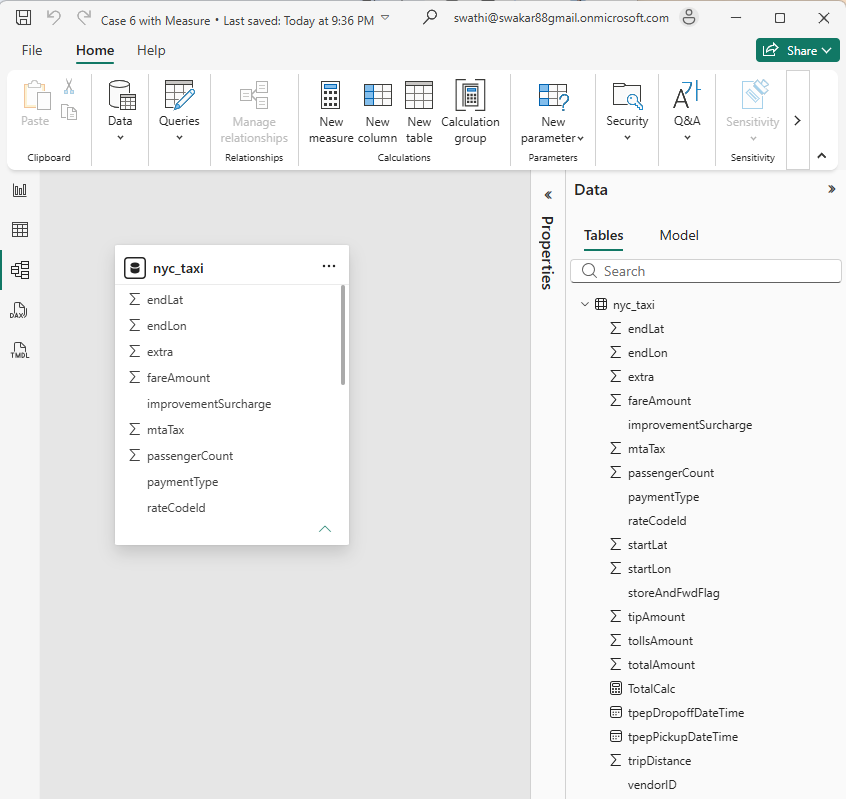
Total =
SUMX (
    nyc_taxi,
    nyc_taxi[fareAmount] + nyc_taxi[tipAmount] + nyc_taxi[tollsAmount]
)
Same row-level logic, same result in any visual — but a measure computes on the fly at query time and stores nothing.
Three versions of the same file
- Base file, no extra column — 219,231 KB
- With the calculated column — 220,632 KB, an extra 1,401 KB from one column
- With the measure instead — 219,231 KB, identical to base

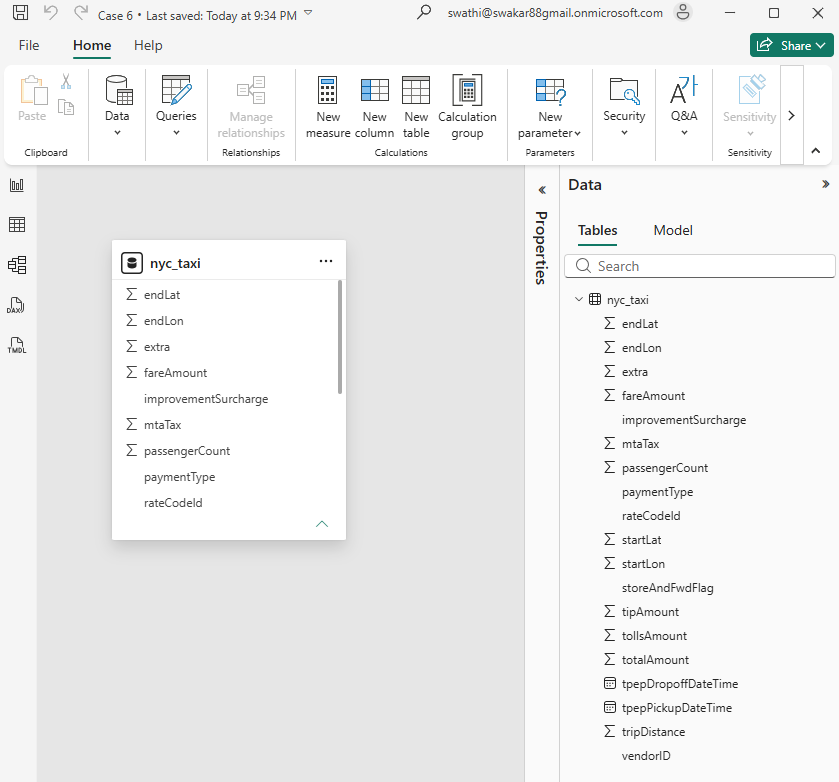
If the same logic can be a measure, it almost always should be. Save the calculated column for when you genuinely need to filter or slice on that value.
What I take from this
- One unnecessary calculated column here cost over a megabyte — and that's one column on one table
- Multiply that by every calc column added out of habit across a real model and it becomes a measurable cost
- Calculated columns earn their place when you need to group, filter, or slice on the value — not for building a total